OrbitPage knowledge base

Find the right guide. Follow it step by step.

Build, publish, automate and operate an OrbitPage with practical guidance for every stage—from AI and the ChatGPT plugin to the personal-token REST API, domains, analytics, collaborators, newsletters and Shop.

01 / Start here

Create your workspace and publish the first page.

Choose hosted or self-hosted OrbitPage, reserve a username, add the first content and check the public page before sharing it.

  1. 01Choose managed hosting or self-hosting
  2. 02Reserve a durable public address
  3. 03Add the information visitors need first
  4. 04Publish and test the real page
Open getting started Understand self-hosting
Choose by objective

Already editing? Open the guide for the task you are working on.

03
Publish

Launch and discovery

Move from the workspace to a stable public address, then make the page understandable to people and search engines.

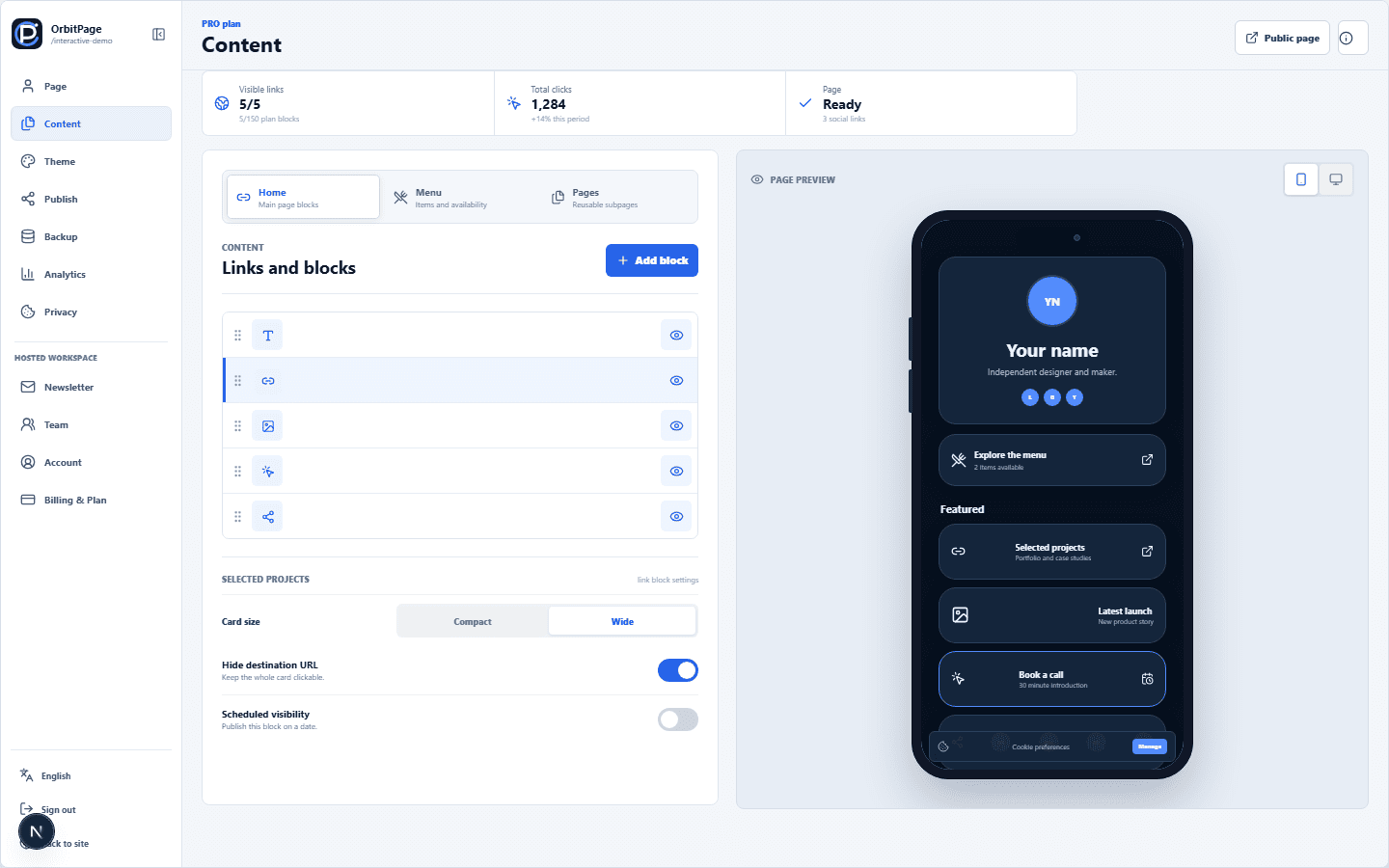
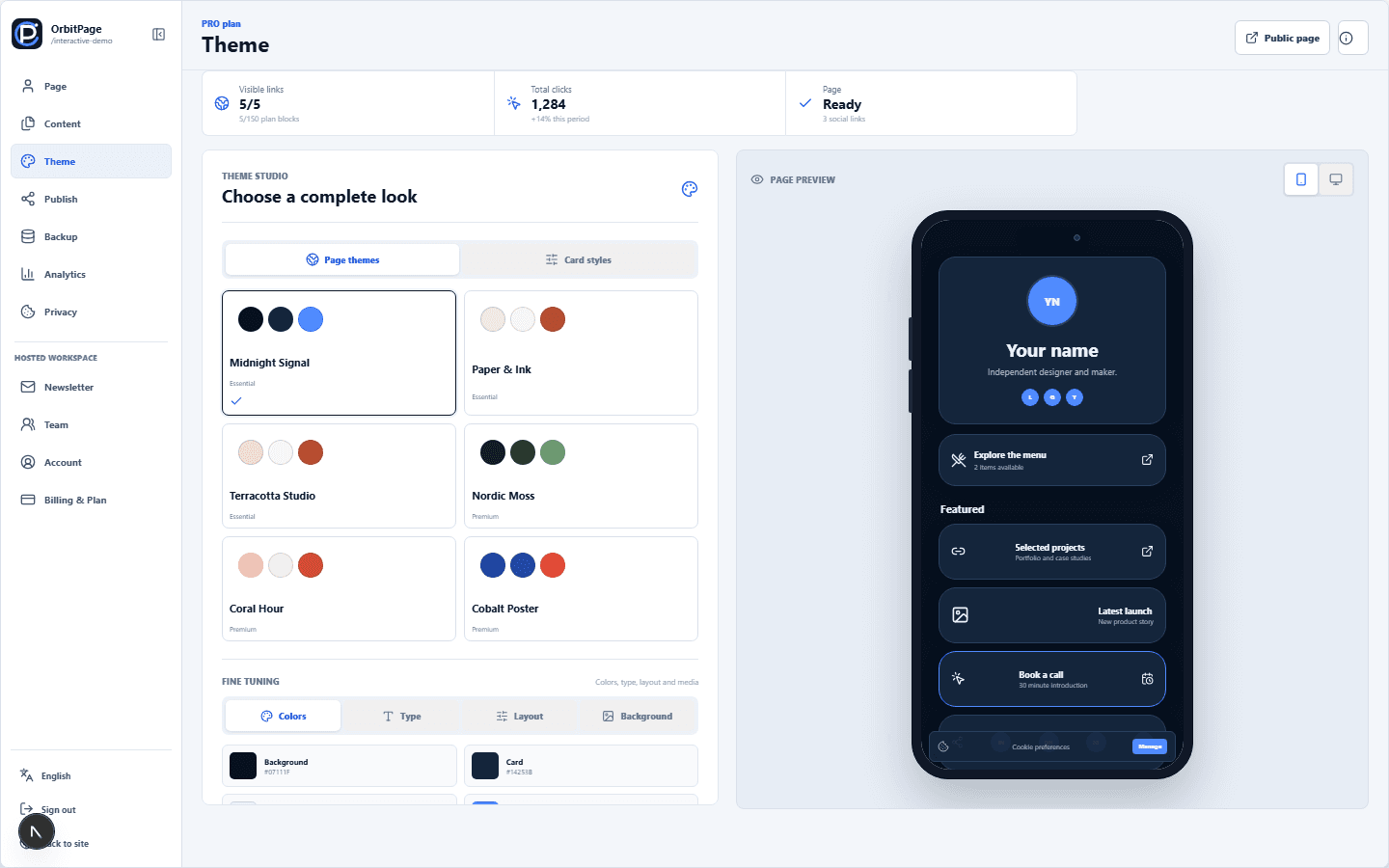
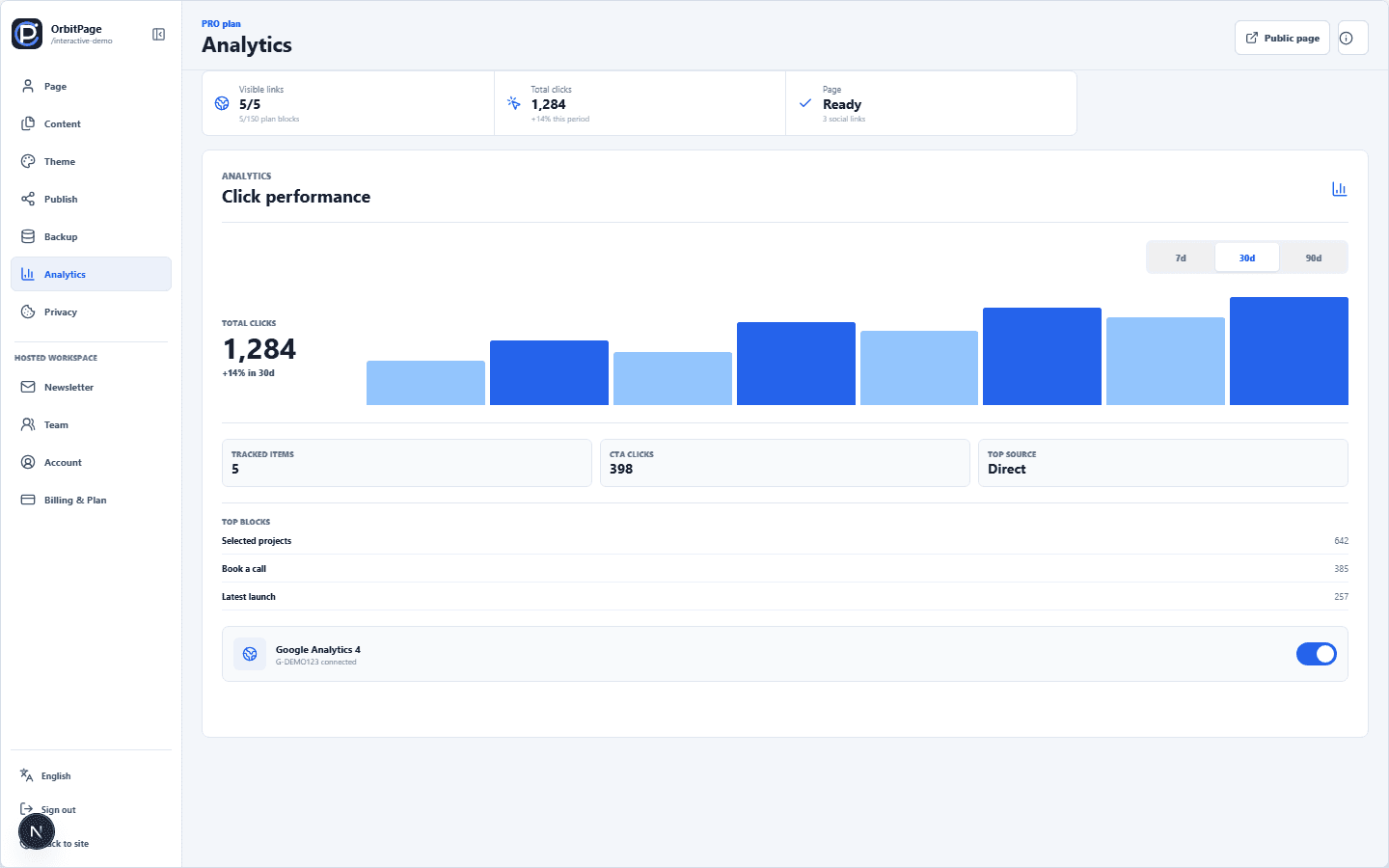
Inside the workspace

Each guide uses the same names as the dashboard.

Use these previews to find the Content, Theme and Analytics sections before opening a detailed guide.

Complete documentationBrowse all guides
Complete documentation

What do you want to do?

Search every guide or filter by setup, content, publishing, automation, account management and growth.

15 guides shown

01

Start

Workspace, edition and first publish

1
02

Build

Content, themes and menus

3
03

Publish

Domains, metadata and discovery

1
04

Automate

AI editing, OpenAI MCP, personal tokens and API workflows

3
05

Operate

Teams, backups and account security

3
06

Grow

Analytics, newsletters, Shop and billing

4
Documentation | OrbitPage