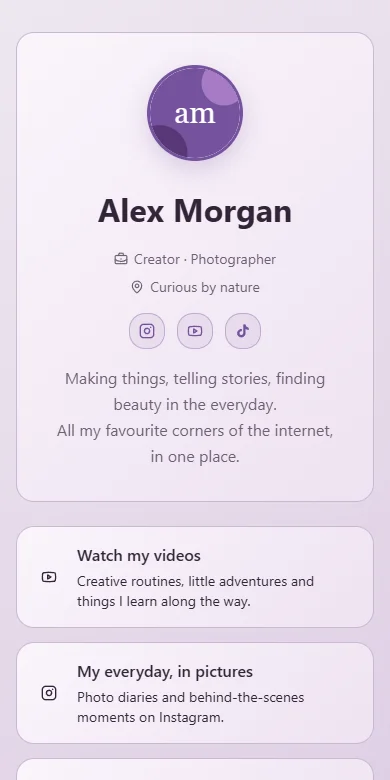
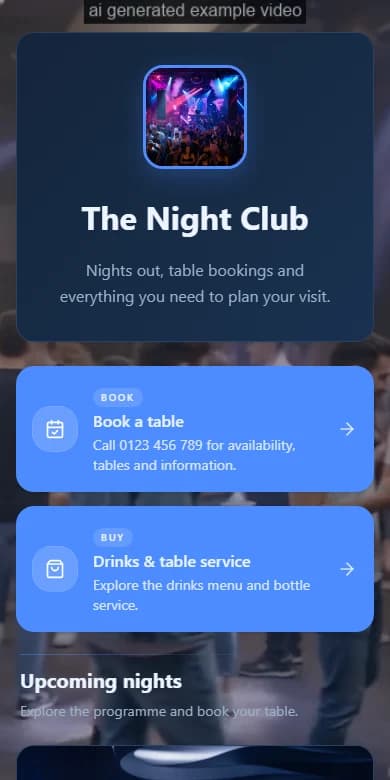
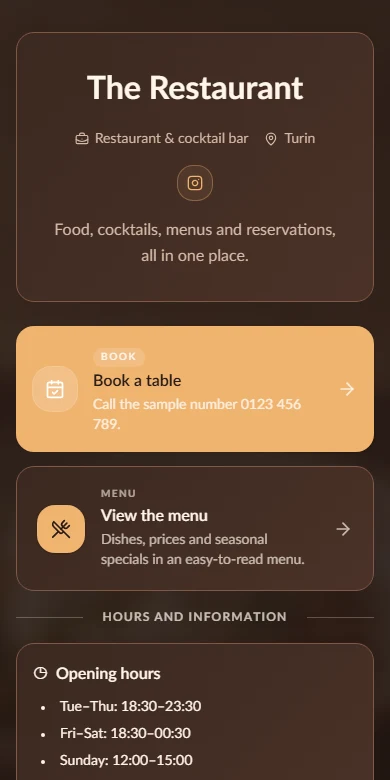
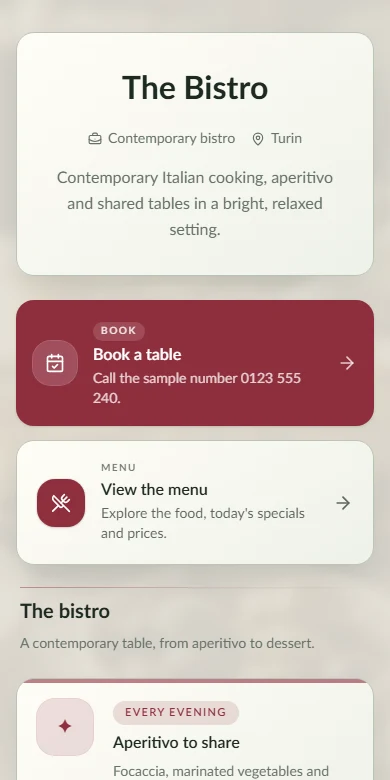
Create
Add your identity, links, media and the details people need first.
Put links, content, menus, events and contact details on one page you can update in minutes. Start free or run the open-source core on your own server.
Choose the address people will remember.
Both create the same kind of public page. The difference is who handles setup, hosting, updates and day-to-day operation.
Create an account and publish from the browser. OrbitPage handles setup, hosting, updates and service operation.
Learn more Open sourceDeploy the GitHub repository yourself.Download the MIT-licensed code, deploy it to your infrastructure and manage it yourself. It includes fewer capabilities than the managed service.
Learn moreShape the page in one dashboard—or describe the result and let OrbitPage AI prepare the change.
Profile and preview stay in sync.
Each format includes the fields and actions visitors need—from opening a link to finding directions, booking or buying.
Explain where each link goes and what the visitor can do there.
Add introductions, details, notices and useful information.
Show photos, artwork, GIFs and video without losing hierarchy.
Publish a date, details, countdown and the next action.
Turn an address into directions people can open immediately.
Organize dishes, drinks, sections and availability in one menu.
Let visitors book a time or complete a connected form.
Present and sell digital products or services from your page.
Add Instagram, YouTube, Spotify, Calendly, Typeform and the other services you already use.
Sell downloads and bookable services from your OrbitPage. Stripe handles payment; OrbitPage completes the delivery.
See Shop plansOrder delivered
€8.00Access sent automaticallyOrbitPage AI prepares edits for the page you have open. Check every change and apply it only when it is right.
Edit copy, links, blocks and themes in one conversation.
AI can use only the page open in your authenticated workspace.
Review the proposal. Apply it only when it is right.
Add the content, check the actual desktop and mobile result, then publish it to your OrbitPage address.
Add your identity, links, media and the details people need first.
Choose a theme, then adjust colors, type and cards while checking the preview.
Publish updates to your hosted URL and connect a custom domain when you need one.
See where visitors come from and which blocks they open, then update the page with evidence.
Compare limits for blocks, storage, domains, Shop and AI before choosing a plan.
Compare plans in detailEssential page
More blocks + themes
Domains + analytics
Coming soon
Learn what the Free plan includes, how AI editing works, when you can use a custom domain and what self-hosting requires.
You can publish links, text, images, video, embeds, maps, events, contact actions, menus and dedicated pages with the same styling.
Yes. The Free plan includes one hosted page, essential themes and the core blocks you need to publish. You can start without a credit card.
Describe what you want to change. OrbitPage AI prepares edits only for the open page and shows them before applying anything. Nothing changes without your confirmation.
Yes. Pro lets you connect a domain you already own while OrbitPage continues to handle publishing and delivery.
Managed hosting handles accounts, publishing, storage, analytics and operations for you. The MIT-licensed core remains available when you prefer to run the software yourself.
Yes. Backup and restore tools let you keep a portable copy of your page configuration and selectively restore the sections you need.
Create an account, choose a unique address and add your first content block. You can publish a useful page in minutes and refine it later.
Create a useful page today. Keep shaping it as your work, audience or business grows.