One address. So many ways to use it.
Bring your links, photos and projects together. Make plans, take bookings or sell something from a page you can update yourself.
Keep the things you share together.
Put your profile, favourite links, photos and current projects at one address. Add it to your bio, send it in a message or share it with a QR code.
See what you can add
Make the next step easy to find.
Give people the time, place and details, then a clear link to book or reply. Bring in your calendar, form or map so they can go straight from reading to making plans.
Connect your booking toolsSell a download or a session.
Give your guide, template or service a price and a place on your page. Connect Stripe to accept payment; buyers receive their download or the details for their session.
Browse the example shop
Change the page by asking.
Ask for a shorter introduction, a new block or a different order. OrbitPage prepares the edit so you can check it and decide whether to apply it.
See how AI editing worksWhat would you put on your page?
Start with something you already want to share. Here are a few ways to bring it together.
A page that's just yours
Your favourite links, weekend photos, playlists and a way to say hello.
Take a closer lookYour work, ready to share
A few projects, your CV and a contact link for your next application or introduction.
Take a closer lookEveryone has the same plans
A birthday, wedding or meetup: the date, directions and a link to reply.
Take a closer lookA home for your group
The next meeting, useful resources and a way to join your club or side project.
Take a closer lookSomething new to share
A song, video, exhibition or release, with the places people can find it.
Take a closer lookA simple way to book your time
Explain what you do, show your work and put the booking link beside it.
Take a closer lookA session with the details up front
What the session covers, how long it takes, what it costs and how to book.
Take a closer lookThe menu is always at hand
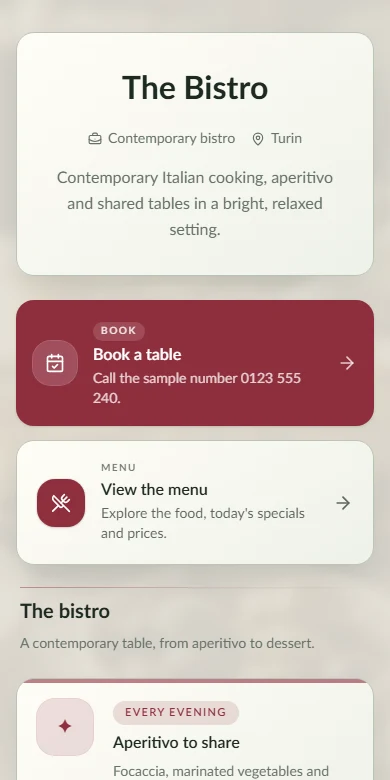
Food, prices, opening hours and reservations at the same address or table QR.
Take a closer lookWhat's on, and how to get there
Upcoming dates, tickets, photos and directions for the next night out.
Take a closer lookA small shop beside your content
Sell a guide, template, download or service, with a clear price and delivery.
Take a closer lookA place worth a closer look
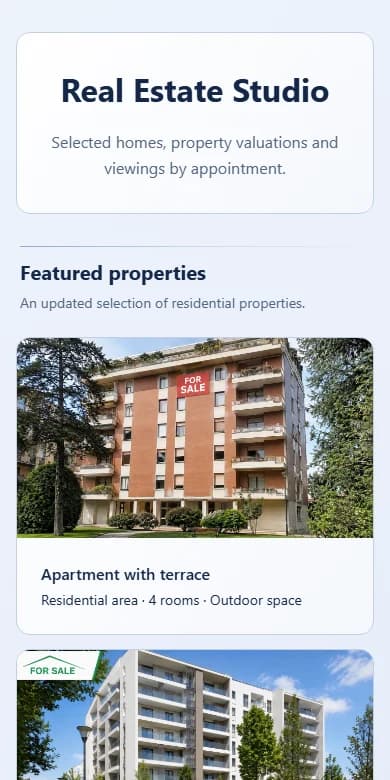
Photos, property details and a direct route to arrange a viewing.
Take a closer lookPages you can explore.
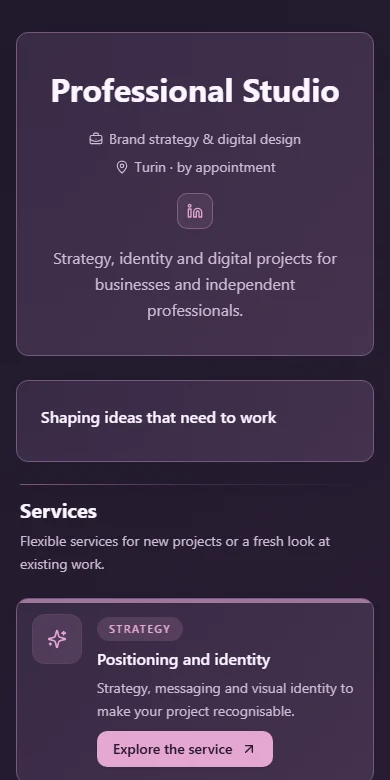
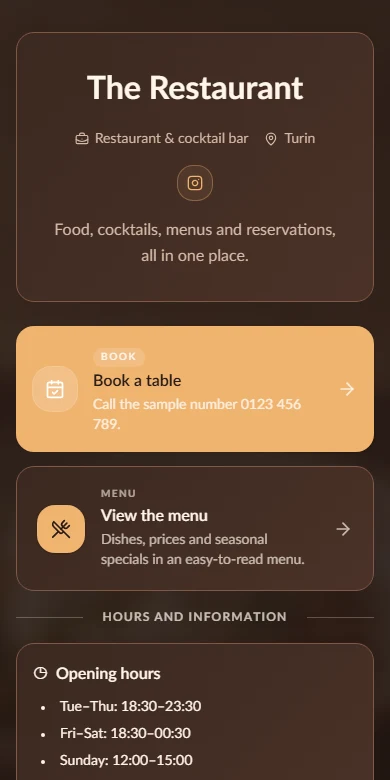
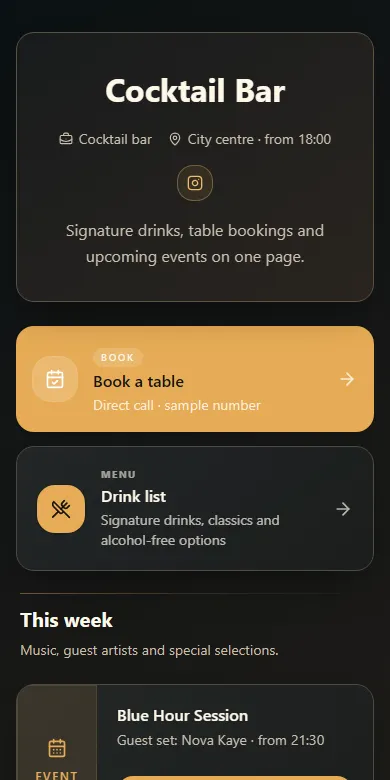
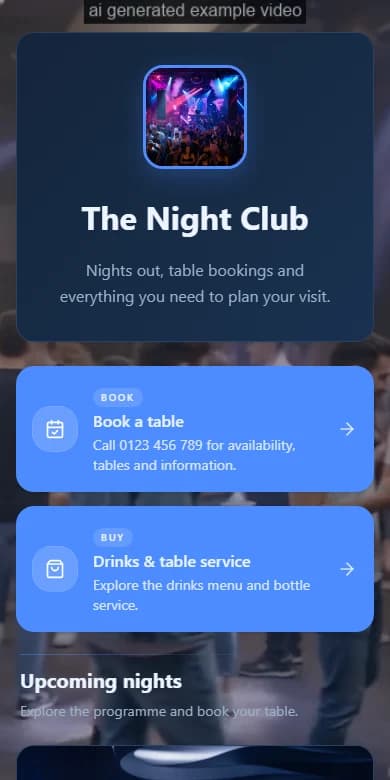
These are screenshots of published OrbitPage demos. Open a page to explore its content and try it on your phone.