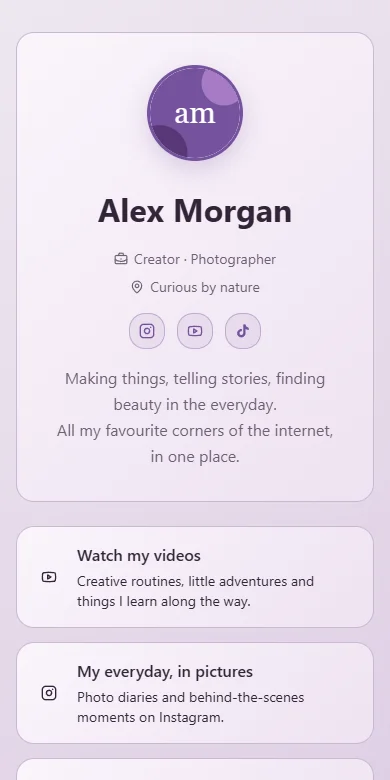

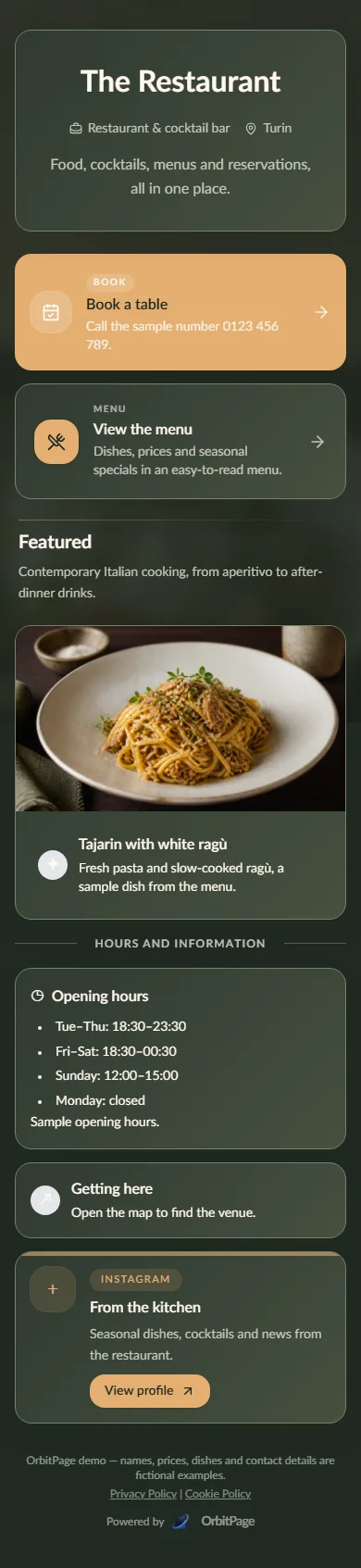
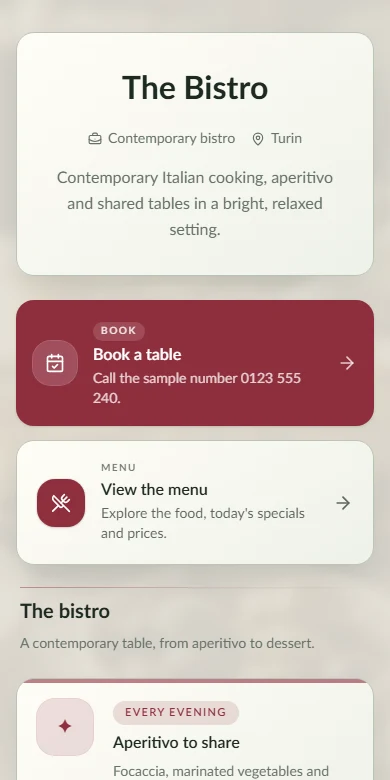
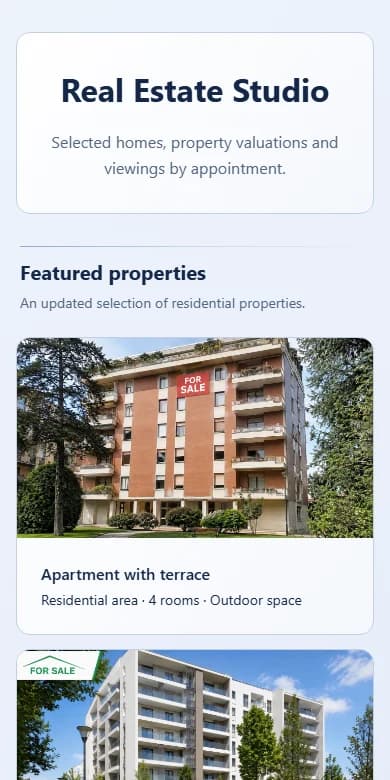
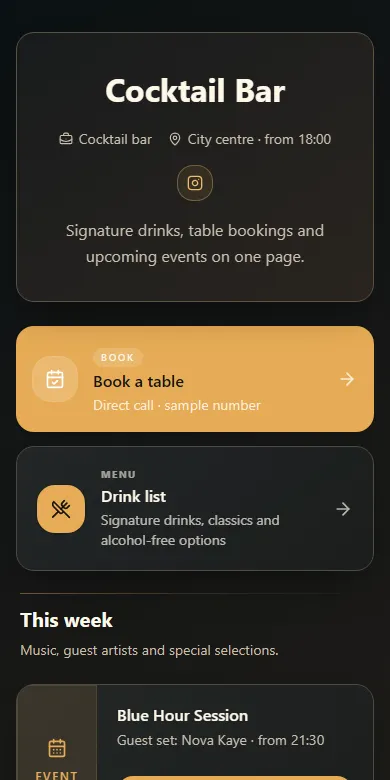

Match the page to your brand
Start from a theme, then shape the profile, type, colors, cards and media around your identity.
Put content, contact details, menus, bookings and products on one page you can update from a single dashboard.
Example content. Real pages built with OrbitPage.
Combine native blocks with social posts, video, music players, maps, booking, forms, events, menus and Shop.
List digital products and bookable services, connect Stripe and take visitors to checkout.
Ask for a clearer introduction, a new block or a better layout. Review the suggestion in context before applying it to your page.
Check devices, locations, campaigns and trends without leaving the workspace.
Invite people with the right role, then manage consent and legal information from the same workspace.
Self-host when you want infrastructure control. Choose managed hosting when you want OrbitPage to run it.
The paid service manages accounts, publishing, storage, domains, plan limits and platform analytics around the open-source core.
See the managed serviceDownload the MIT-licensed code, install it on your infrastructure and operate it yourself. It includes fewer features than the managed service.
Explore open source$ git clone https://github.com/paoloronco/OrbitPage.git
$ cd OrbitPage
$ ./install.shPut content, contact details, menus, bookings and products on one page you can update from a single dashboard.